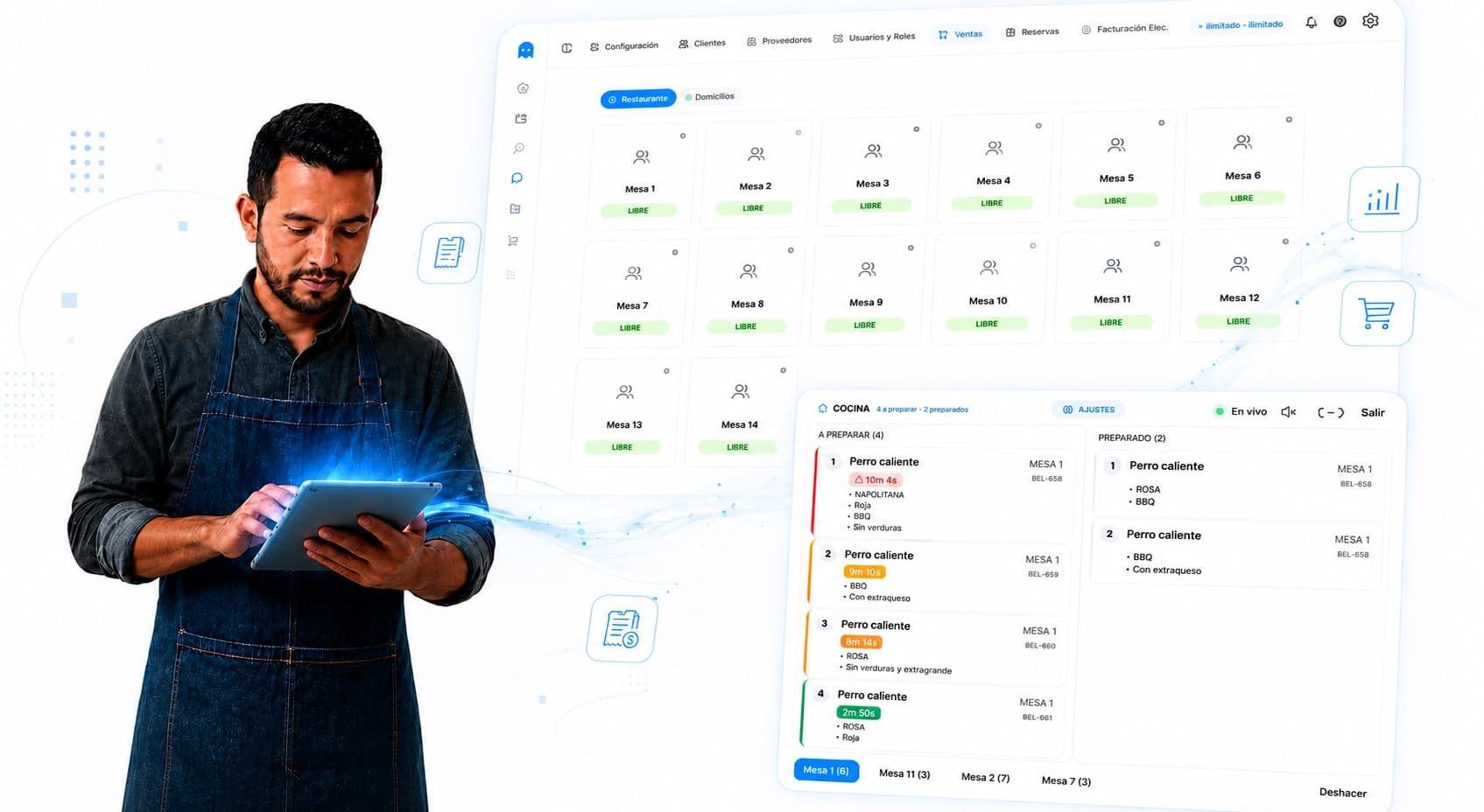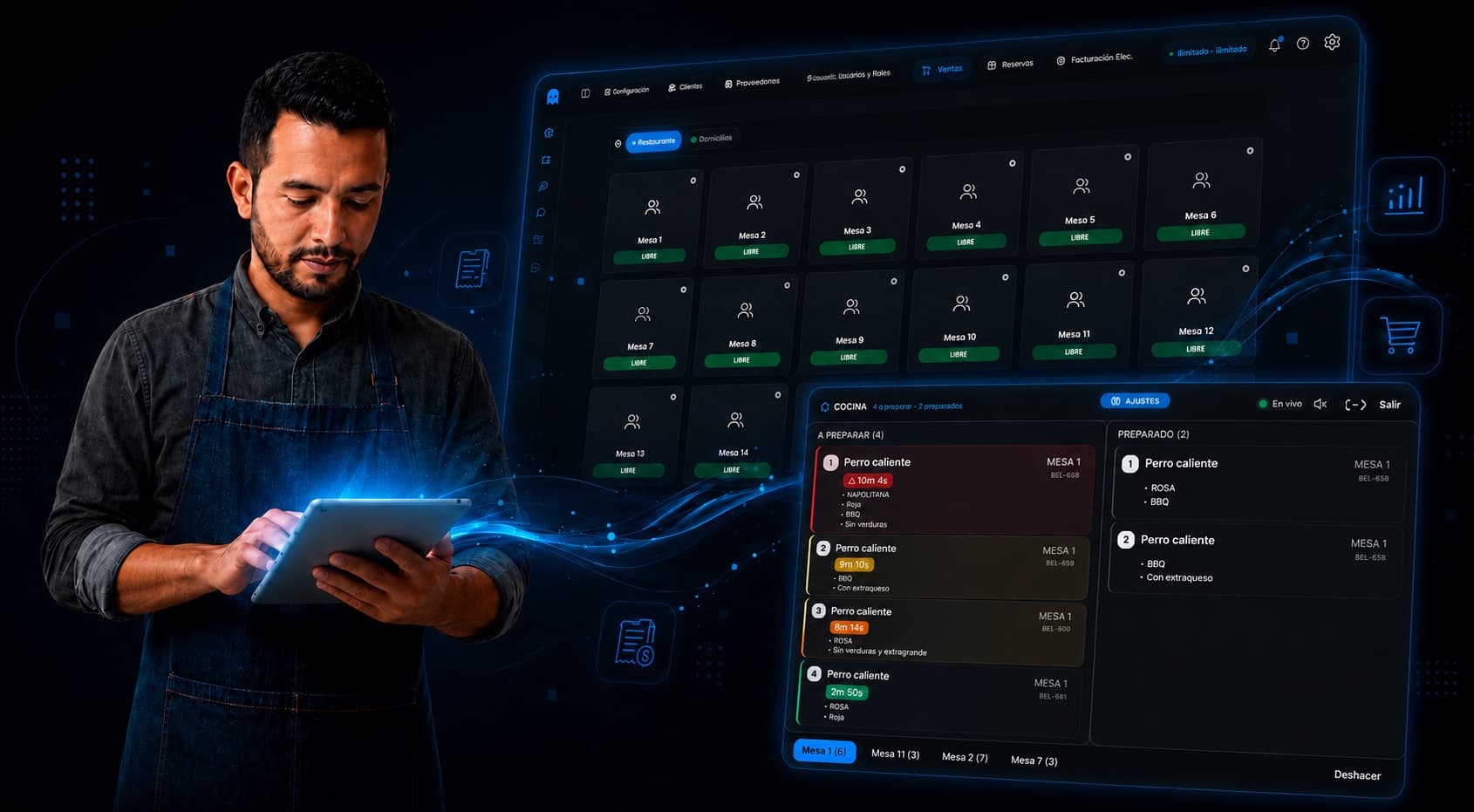






Features built from real-world operation of Colombian restaurants.
Every kitchen order gets a timer and color status: green if on time, yellow if delayed, red if overdue. Measure per dish, station and shift to decide with data.
See every table with its open tab, assigned server and how long it's been occupied. Know which table to focus on.
Every dish sold deducts its ingredients and recalculates real cost. See margin per dish and what's running low.
Close in 2 minutes with breakdown by cash, card, Nequi, Daviplata, QR, server and shift. The total always matches the day's sales.
Invoices, credit notes and POS receipts compliant with current DIAN regulation. Integrated, unlimited, no extra software.
Top dishes, peak hours, food cost, per-location sales, server commissions. Decide with real data.
Suggests upsells, alerts on critical stock, handles WhatsApp customers and learns from your operation. Real tech, not chatbot.
Customers book online and get automatic WhatsApp reminders. Reduces no-shows by up to 60%.
Sell via WhatsApp, Instagram, Facebook, TikTok, your digital catalog or your e-commerce store. Get paid through any method, invoice the DIAN automatically and solve doubts with an AI copilot that knows your operation.
Sales channels
Operations & Finance
Connect PhantomApp with the tools you already use. And the ones coming next.
All features. No limits. No fine print.
Launch pricing
What restaurant owners ask the most before getting started.
Yes. PhantomApp runs on any tablet or device with a modern browser and internet. You don't need expensive hardware or dedicated terminals — it works on Android tablets, iPads, computers, and phones.
Yes, natively integrated. Issue e-invoices, credit notes, and POS receipts compliant with DIAN's current regulation. No extra software, no per-document fees, no surprises.
Any standard ESC/POS thermal printer (58 mm or 80 mm) works with PhantomApp, whether connected via USB, Bluetooth, or network. If you already have one, it's most likely compatible.
PhantomApp's Monitors put a timer on every kitchen order. Green if on time, yellow if delayed, red if overdue. In real time, without interrupting service. How it works — three steps to start measuring: 1. Define your monitors. Create the stations you need (kitchen, bar, desserts) and the acceptable times for each one. 2. Assign product categories. Each category routes automatically to the right screen. 3. Watch live. As soon as the server sends the order, the timer starts. When the kitchen marks the dish ready, the clock stops and gets logged. If you don't measure it, you can't improve it. The Monitors give your kitchen data it never had. Real times by dish, station and shift. Make decisions with information, not gut feeling. Included in your plan from day 1.
Yes. PhantomApp handles recipes: when you sell a dish, it automatically deducts every ingredient that goes into it. This gives you real food cost, waste tracking, and per-dish margin visibility.
Yes. Run all your locations from a single account, with consolidated and per-location reports, inventory transfers, and per-user / per-location permissions. Available on Annual and Enterprise plans.
We import your inventory, products, and customers from Excel or CSV within hours. Team training takes 1-2 days depending on the restaurant's size. We support you through the whole process.